What you saidum hey so i’m gonna be like ten minutes late sorry
hey, I’m gonna be ten minutes late, sorry!
Hold one key in any app, talk, and let go. Spoken writes what you meant, right where your cursor is.
Speech recognition runs on your computer.
Fillers go, repeats go, punctuation appears, and the tone follows the app you’re in.
Editing uses your own key from Claude, OpenAI, OpenRouter or Gemini. Without one, you get the transcript with light cleanup.
What you saidum hey so i’m gonna be like ten minutes late sorry
hey, I’m gonna be ten minutes late, sorry!
What you saidhi sarah uh just following up on the the proposal can you let me know by friday thanks
Hi Sarah, Just following up on the proposal. Could you let me know by Friday? Thanks,
What you saidrefactor the fetch user function to use async await and uh add a try catch
Refactor fetchUser to use async/await and add a try/catch.
Spoken reads what you selected, a public page open in your browser or your own history, then answers in a small window. Press Enter to paste the answer.
Things you can say
Files and apps only open after you confirm.
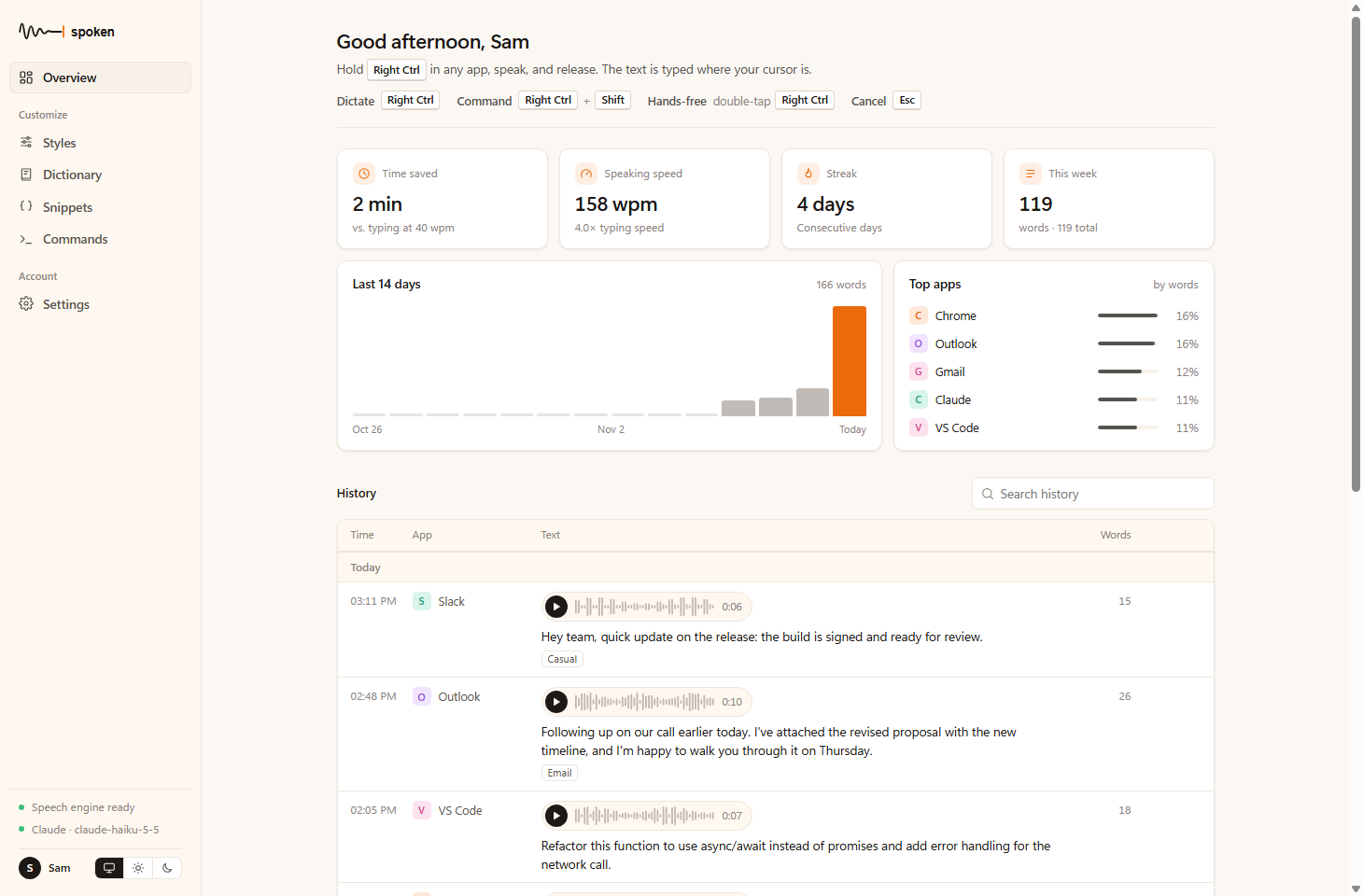
Every dictation is kept with your voice next to the text it became. Search it, copy it, play it back.
Recordings delete themselves after 30 days. Choose a different limit, or switch them off.
Teach it a name once.
post gressPostgreSQL
Short phrases that expand.
my calendar linkcal.example.com/you/30min
A tone for each kind of app.
EmailPolished, full sentences
Turn web search, page reading, history and files on or off.
Web searchOn, with sources
Speak, and Spoken detects the language by itself. The app comes in English, French and Arabic.
No. Dictation works without one and gives you the transcript with light cleanup. Add a key from Claude, OpenAI, OpenRouter or Gemini for full editing and voice commands.
No. Leave your name, email and company and the download starts right away. If you connect an AI provider, that provider bills you directly for what you use.
Dictation does. Editing and commands need an internet connection to reach your AI provider.
Anywhere you can paste text: email, chat, documents, code editors, browsers. On Windows, apps running as administrator block typing from other apps, so Spoken copies the text for you instead.
Spoken doesn’t have a code-signing certificate yet, so Windows may say it doesn’t recognize the app. Choose More info, then Run anyway.
It’s on the way. The download button will appear here as soon as it has been tested on real Macs.